
Keep AI API keys out of the browser and mobile app
An API key shipped in a web bundle or mobile binary is not private. Anyone who can inspect the app can copy it and make requests against the workspace. Put one small server endpoint between your client and the model gateway.
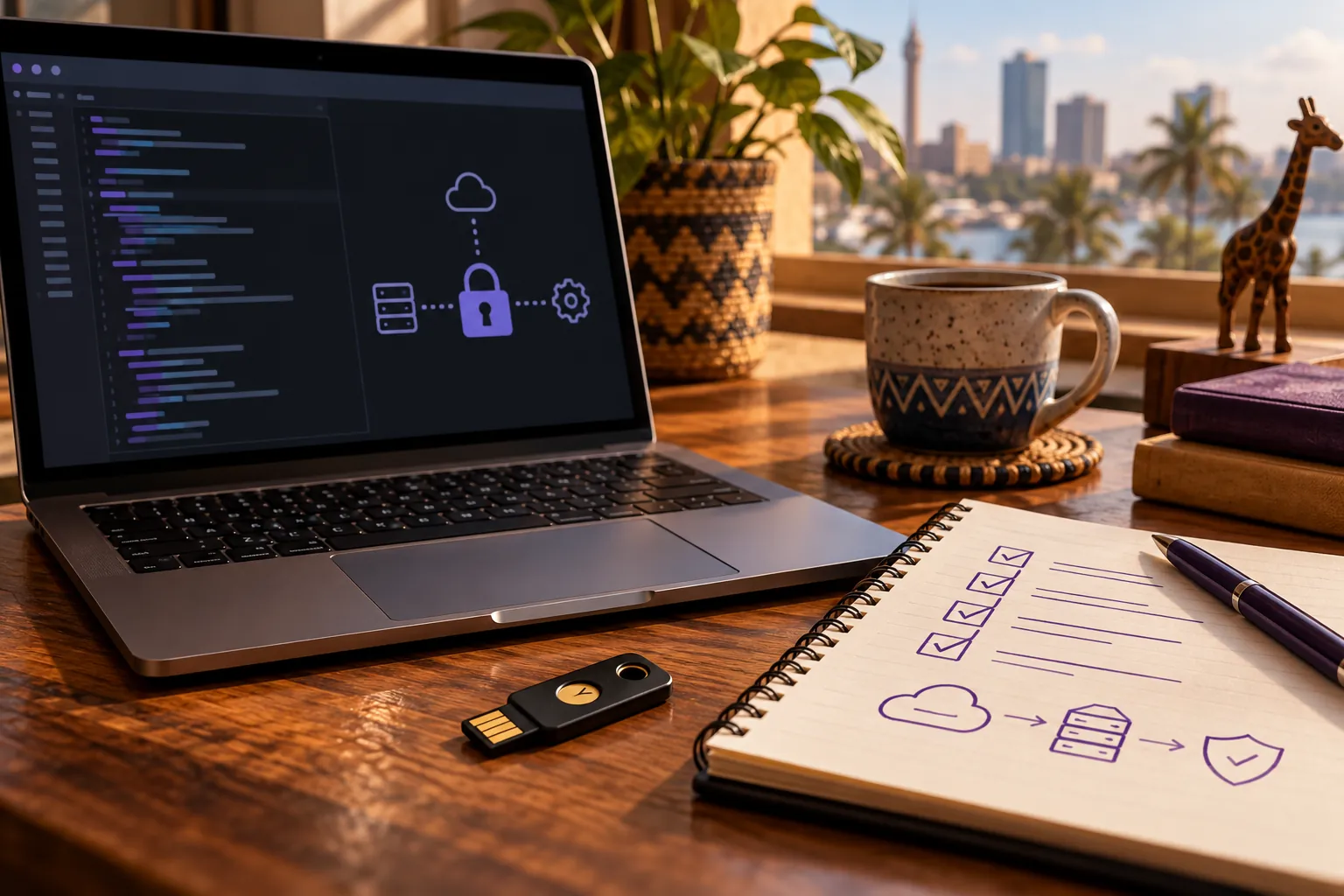
Know which credential belongs where
Use your app session for account and workspace management. Use the workspace API key for model requests. The two credentials serve different routes; avoid treating a dashboard token as a model key or exposing either in public client code.
Proxy model requests through your backend
The browser sends the user's prompt to your application server. Your server authenticates the user, applies product limits, adds the Ngamia key from its secret store, and calls the gateway. Return only the response your interface needs.
NGAMIA_API_KEY=ngm_…
# Store this in a server environment, never VITE_* or NEXT_PUBLIC_*Give environments their own keys
Create separate keys for development and production. Restrict who can read deployment secrets, rotate a key when access changes, and revoke unused keys. The full secret is displayed once at creation, so save it at that point.
Review workspace activity and usage if you need to investigate requests. These controls help with operational hygiene; they are not a substitute for access control in your own application.